:focal(smart))
Introducing Pixi GUI

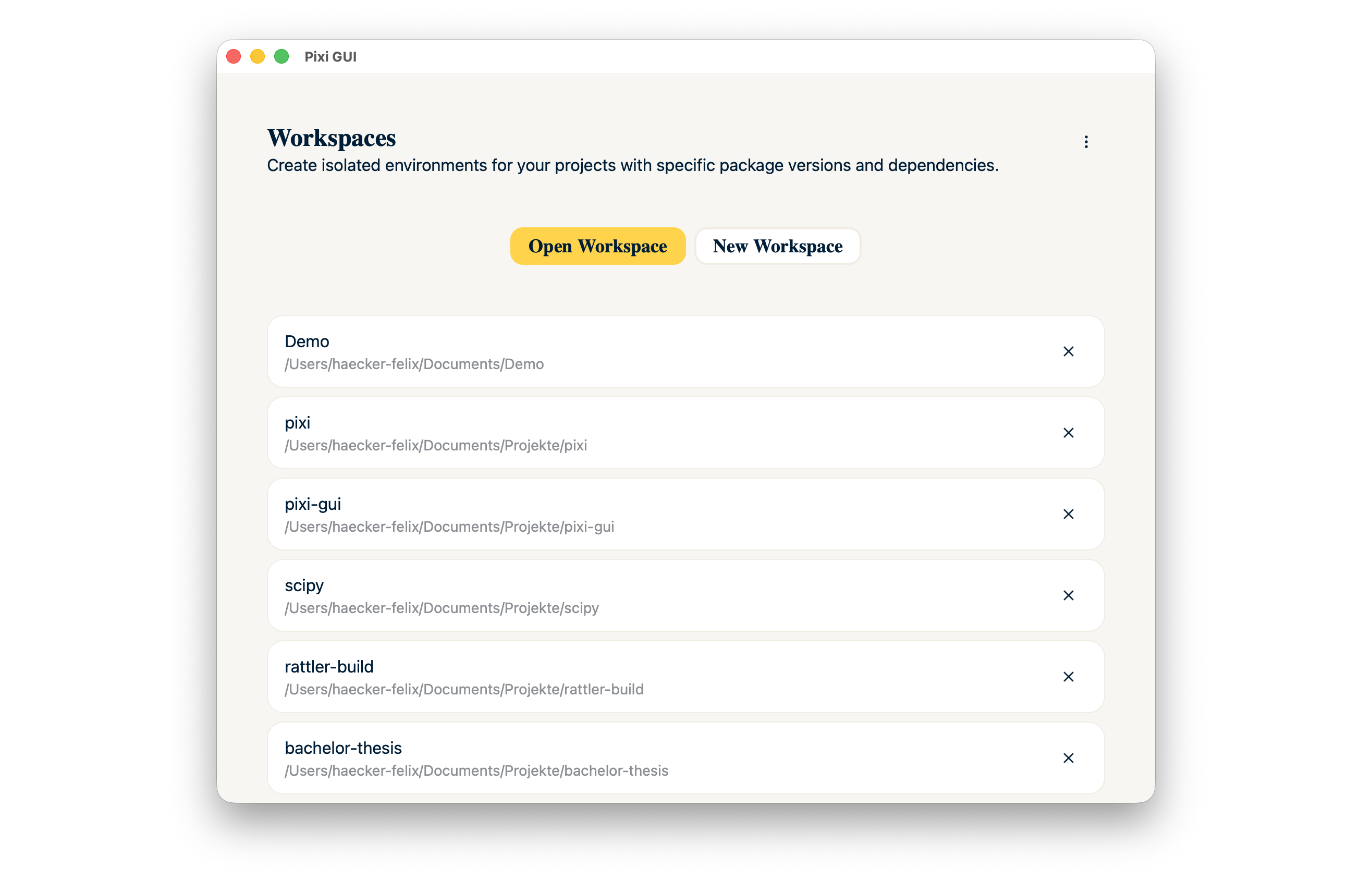
Hi, I’m Felix. I’m excited to share what I’ve been building over the past few months! Since last year I work as a working student at prefix.dev. As part of my bachelor's thesis, I designed and implemented a graphical user interface for the package manager Pixi, named Pixi GUI.
 How can you install it?
Pixi GUI is now available on Linux, Windows and macOS (Intel + Apple Silicon). Pixi must already be installed on your system order to be able to install Pixi GUI. If this is not yet the case, check out the Pixi installation instructions.
Pixi GUI has its own "pixi-gui" channel on prefix.dev. Ironically, installing Pixi GUI currently still requires the terminal at the moment. We plan to offer a purely graphical installation method in the future!
pixi self-update
pixi global install --channel https://prefix.dev/pixi-gui --channel https://prefix.dev/conda-forge pixi-gui
Now you can launch Pixi GUI with the launcher of your operating system or in the terminal by executing pixi-gui.
Who needs a GUI when there's an excellent CLI?
I think some people will now ask why a GUI when there is already an excellent CLI, which is a perfectly valid question!
We have often received feedback that the use of command line interfaces can be quite a hurdle for a lot of people. A few months ago, we conducted a survey in which many expert users stated that they might not use the GUI themselves, but that it would be very beneficial for the people in their immediate surroundings.
These could be people from companies, research and educational institutions, which can be very heterogeneous settings. Not everyone has the necessary prior knowledge required to use a CLI tool - even if it may seem super easy from a developer's perspective.
A GUI makes it possible to make Pixi accessible to a completely new user group that was previously unable to use Pixi. This includes people who do not yet have any knowledge because they are still at the beginning of their training (e.g., students), or simply because they come from a different field/department where they have another expertise and are not necessarily familiar with package managers. Pixi already allows common workflows to be defined as tasks, which makes it possible to easily map them in a GUI without the need for further in-depth knowledge.
But also for experienced developers, a GUI can mean greater convenience. For me, for example, it's a huge-added value to be able to view all my Pixi workspaces in one place and start my preferred editor in an activated environment with a single click, without having to open a terminal.
What can you do with it?
By using Pixi GUI, it is possible to create a new workspace with just a few clicks. And with a few more clicks, you'll have Python and Jupyter Lab installed.
The interface consists of two main sections. A “Run” section, which can be used to start tasks, commands, or editors.
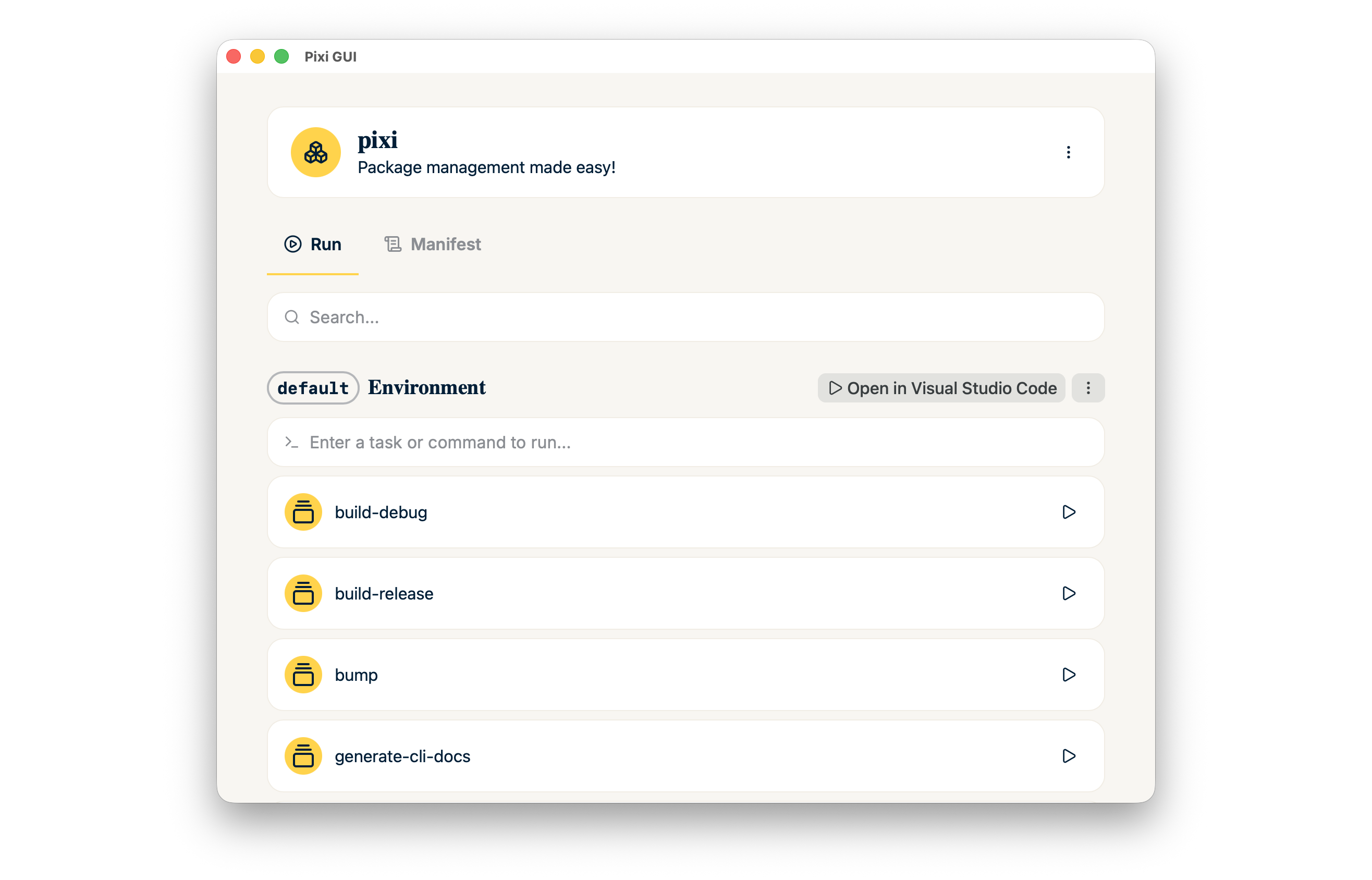 Pixi GUI itself functions as a terminal emulator and allows interacting with running tasks.
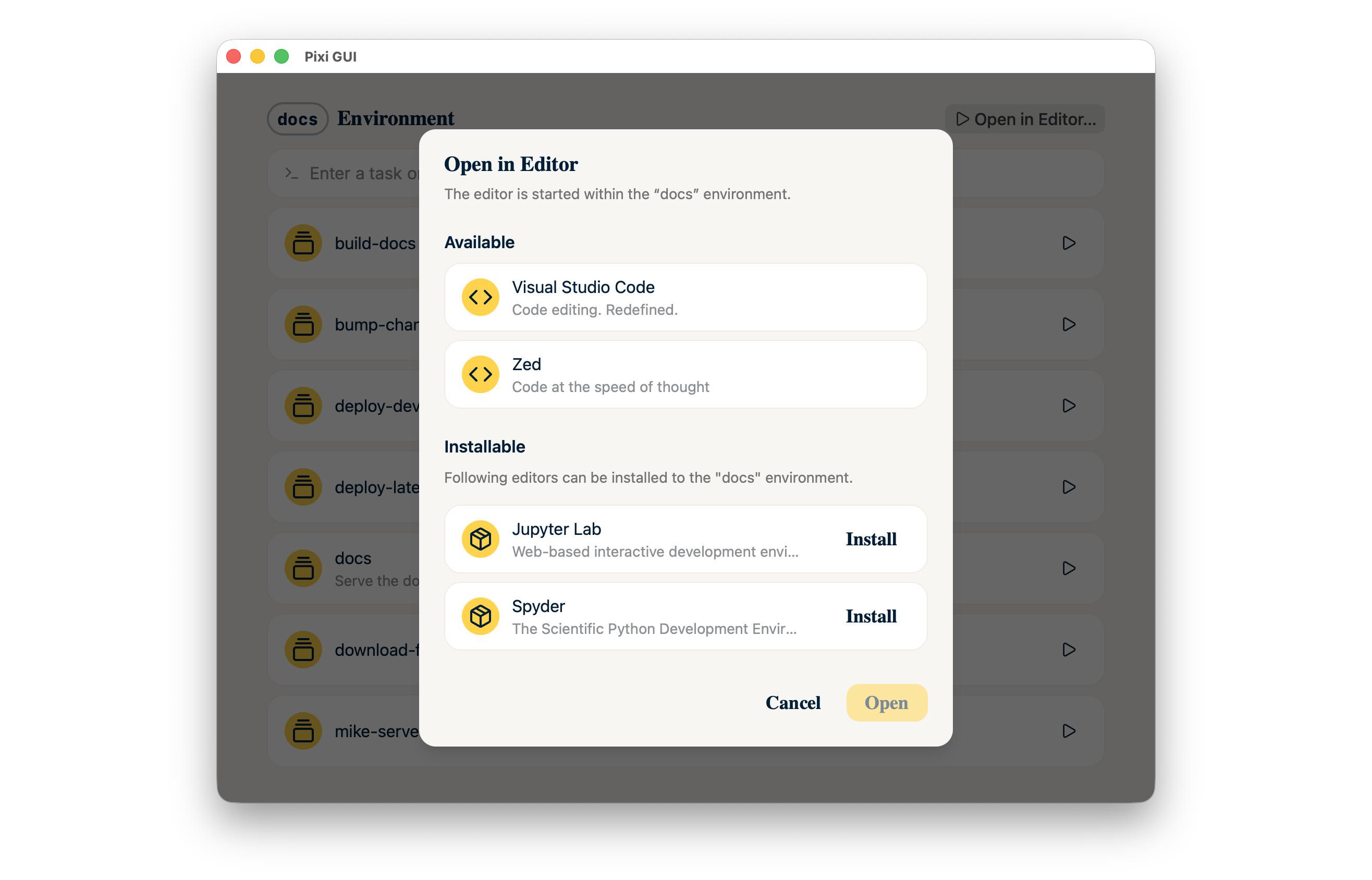
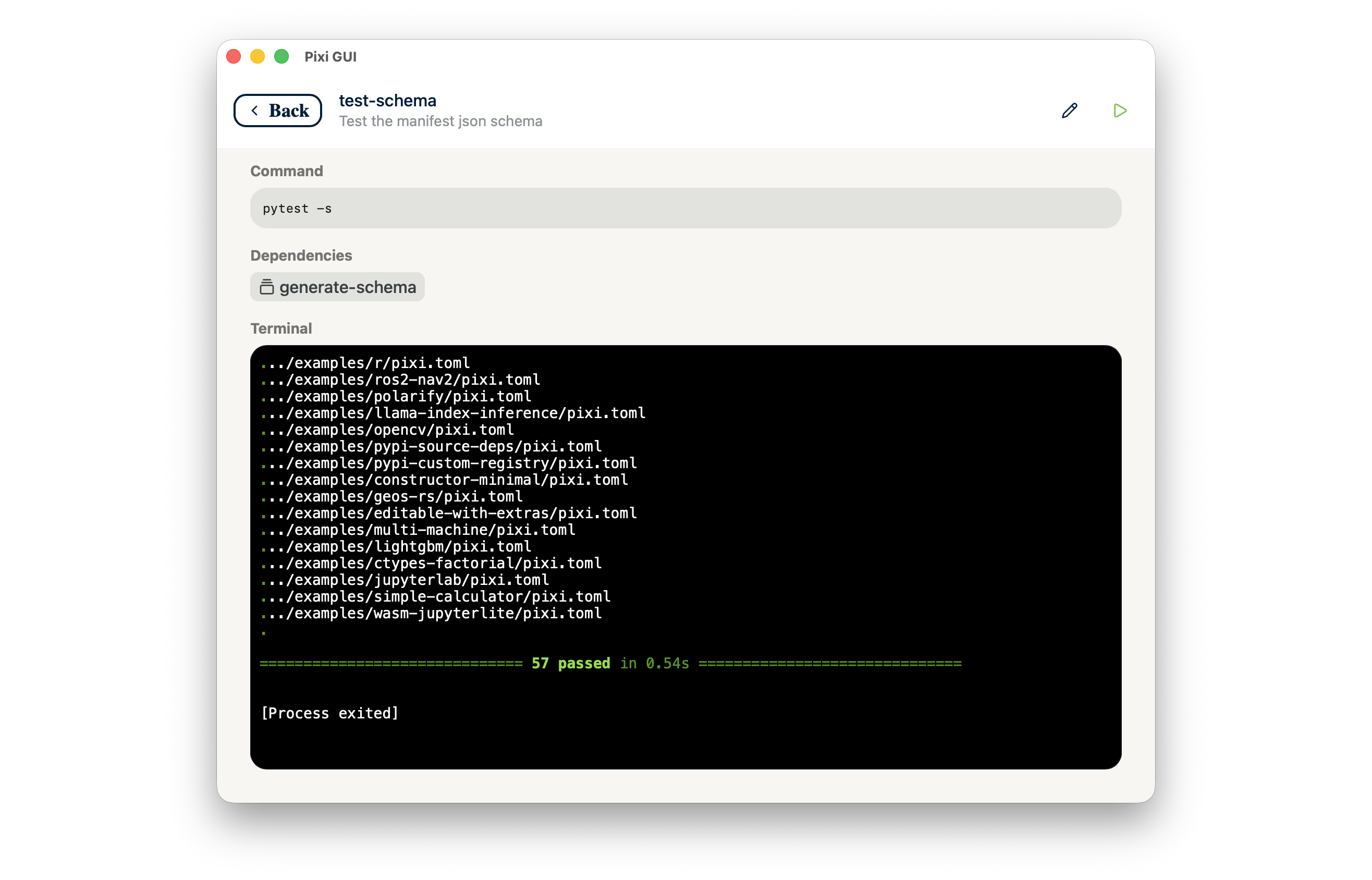 Pixi GUI automatically detects which editors are installed on the system and allows them to be launched directly in an environment.
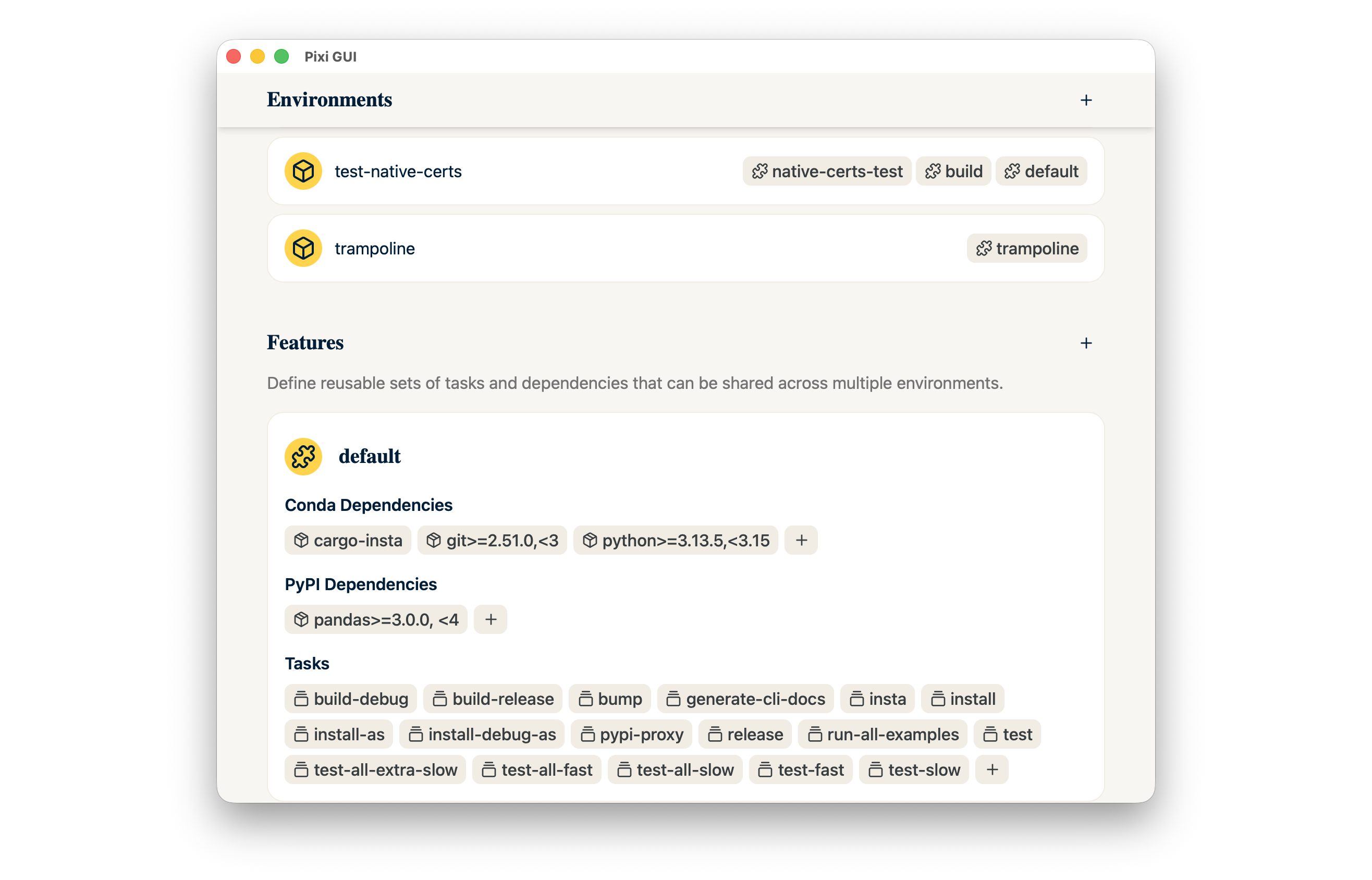
 In addition, there is a “Manifest” section, which can be used to edit the workspace or manifest. It allows you to manage your environments, features, dependencies, tasks and much more!
 We need your feedback!
You've already installed Pixi GUI and tried it out a bit? Great! We want to know what you think about it. It would also be extremely helpful for my bachelor's thesis to be able to evaluate the implementation. Therefore, I would be very grateful if you could take few minutes to participate in this short survey!
This is the first public preview of Pixi GUI. We have worked very hard to ensure that the first version is in a usable state. However, minor bugs may still occur. You can report these at our GitHub repository.
Alternatively if you have any questions, ideas, or just want to chat, then join our Discord server! We're very active and would be happy to welcome you to our community.
Outlook
My time as a working student at prefix.dev is almost over. However, I should still be able to implement a few things in the remaining weeks, or respond to your feedback. Afterward, the rest of the prefix.dev team will continue maintaining this project. I am hopeful that Pixi GUI will make it easier for more people to get started with Pixi or the Conda ecosystem.
In this context, I would also like to express my sincere thanks to every member of the prefix.dev team. I had a great time and learned a lot of new things. I would especially like to thank my mentor Julian. Whether it was the onboarding, the numerous code reviews, or the quick help with questions, I truly appreciated it! I really enjoyed working with you and the rest of the team. Thank you!